We independently score every service with our Experience Index. We may earn a commission if you subscribe through links on this page — it never affects our scores or picks.
Choosing a password manager for a team looks like choosing one for yourself, but the math is different in ways that catch small businesses out. The sticker figure is a per-seat rate, seat minimums can force you to pay for people you do not have, and the deciding features live in the admin console rather than the browser extension. This guide compares the four managers a small business is most likely to shortlist in 2026 — NordPass, Proton Pass, 1Password, and Bitwarden — through the lens that actually governs a team deployment. Every price is per user, per month, and every one should be confirmed on the vendor's page before you commit.
What actually matters for a team (not just the price)
For a personal password manager, the price is close to the whole decision. For a business, it is one input among several, and often not the deciding one.
Per-seat cost is the headline, but read it alongside seat minimums: a tier priced at a low per-user rate is not cheap if it forces a four-person team to buy ten seats. SSO (single sign-on) lets employees reach the vault through your existing identity provider instead of a separate login, which most IT-minded teams want as they grow. Provisioning and deprovisioning — ideally via SCIM or a directory sync — is what lets you add a new hire's access on day one and, more importantly, kill a departing employee's access instantly. Shared vaults determine how cleanly the team can share the credentials it needs to without emailing passwords around. And admin controls — breach scanning, event logs, policy enforcement — are how you actually govern the whole thing.
Hold those five criteria in mind and the four managers below sort themselves by which trade-off they optimize.
NordPass Business — the value-and-admin balance
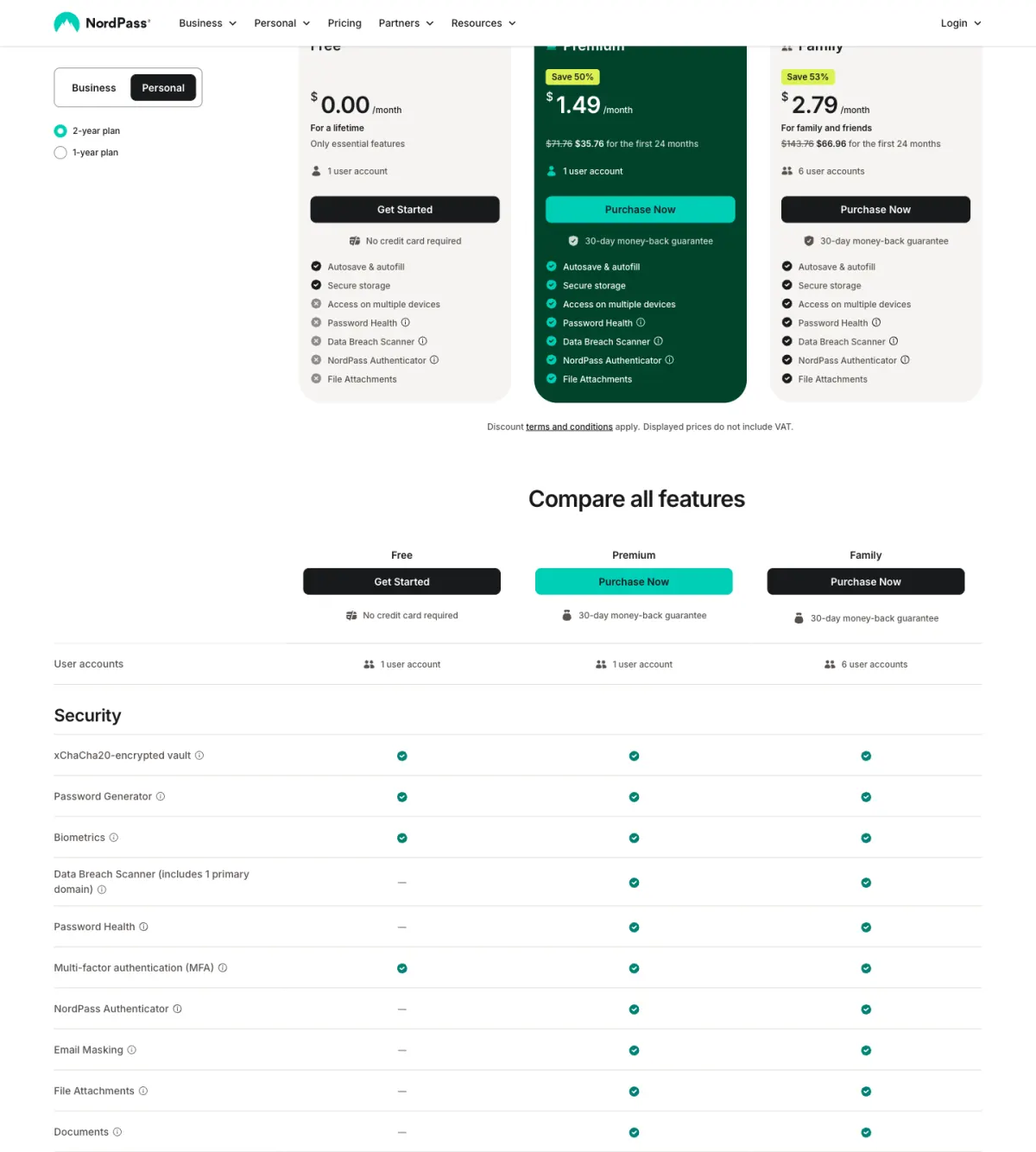
NordPass is the pick for a small business that wants a strong admin console without paying premium per-seat rates. As of July 2026, NordPass Business runs around $3.59 per user per month, with a 5-user minimum, scaling up to roughly 250 seats — confirm the exact figure on the vendor page, as the seat structure reads on the higher side. There is a cheaper NordPass Teams option at around $1.79 per user per month, but the catch is in the structure: it is sold as a fixed 10-user pack, so a team of four still pays for ten. At the top, NordPass Enterprise runs around $5.40 per user per month and adds SSO and directory provisioning. Across the tiers you get an admin panel, breach scanning, and shared folders.
Proton Pass for Business — the privacy-first pick
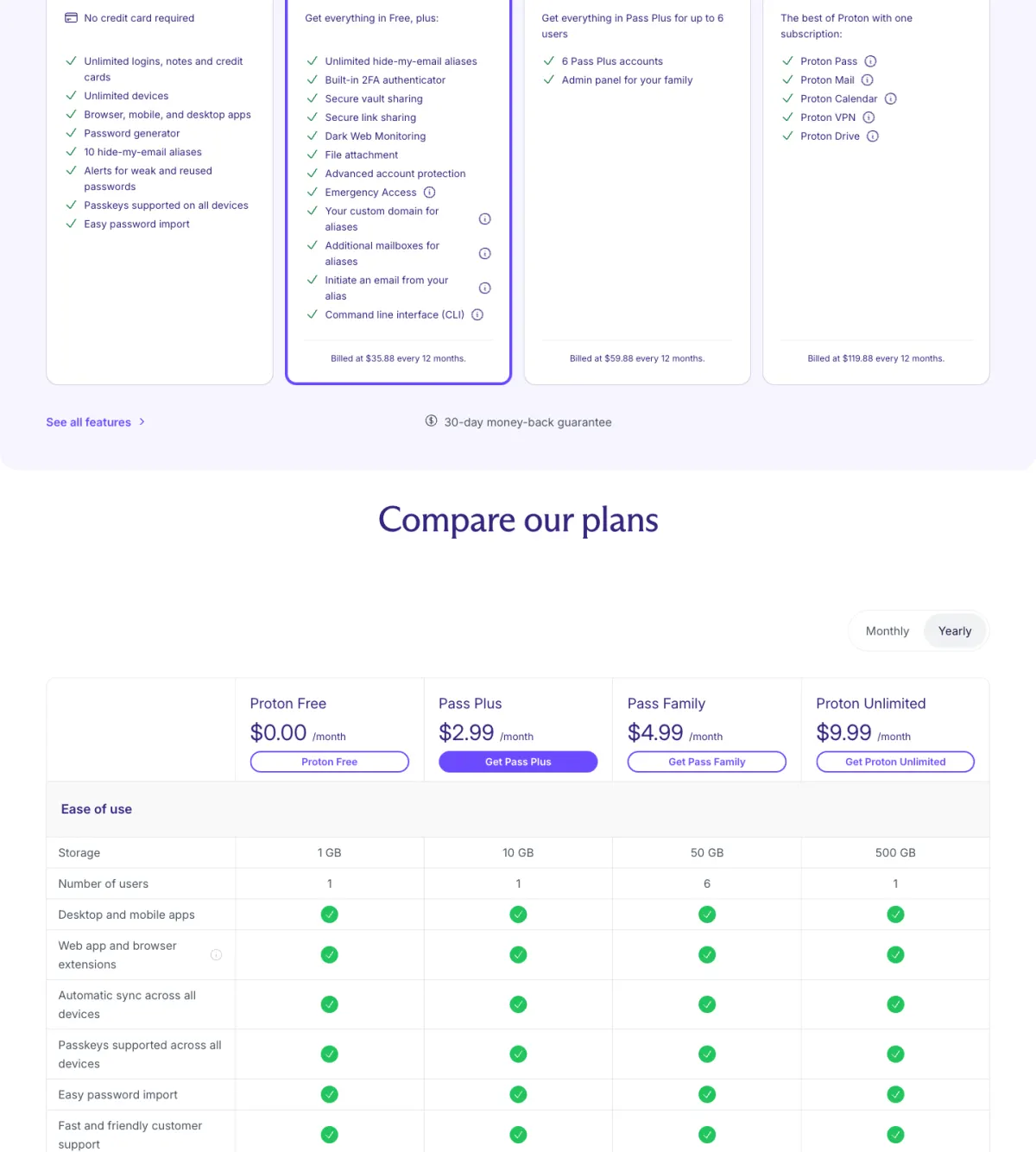
For a team that treats privacy as a first-order requirement, Proton Pass is the standout. As of July 2026, Proton Pass Essentials runs around $1.99 per user per month (annual), and Proton Pass Professional runs around $4.49 per user per month, adding SSO and SCIM provisioning, Proton Sentinel advanced-security monitoring, and event logs. It carries a 3-user minimum and a 14-day trial. The distinguishing traits are pedigree: it is end-to-end encrypted, based in Switzerland, and open-source — the same lineage as the rest of the Proton suite. Confirm the exact per-seat prices on the vendor page, as they read on the higher side by seat structure.
1Password and Bitwarden — the incumbent and the open-source value pick
Two more managers round out almost every small-business shortlist, at opposite ends of the price-and-polish spectrum.
1Password is the premium incumbent, and it earns that position with the best admin and onboarding UX in the category. As of July 2026 its Teams Starter Pack is $24.95 per month flat for up to 10 members, and its Business tier is $8.99 per user per month with no seat cap. The flat Starter Pack is genuinely convenient for a small team, but at scale the $8.99 per seat makes it the priciest option here — you are paying for polish and onboarding smoothness.
Bitwarden is the open-source value pick. As of July 2026 its Teams tier is $4 per user per month and Enterprise is $6 per user per month, both with unlimited users. Being open-source with a self-hosting option makes it the technical team's choice — maximum control and transparency at a low per-seat price, in exchange for a less hand-held setup than 1Password's.
How the four compare
| Product | Per-seat price | Seat minimum | SSO / provisioning | Notable |
|---|---|---|---|---|
| Proton Pass Essentials | ~$1.99/user/mo | 3 users | SSO/SCIM on Professional (~$4.49) | E2E encrypted, Swiss, open-source |
| NordPass Business | ~$3.59/user/mo | 5 users | SSO/provisioning on Enterprise (~$5.40) | Admin panel, breach scanning, shared folders |
| Bitwarden Teams | $4/user/mo | Unlimited users | Enterprise ($6) adds enterprise identity | Open-source, self-hosting option |
| 1Password Business | $8.99/user/mo | No seat cap | Enterprise identity included | Best admin/onboarding UX; Teams pack $24.95/mo flat for 10 |
Read the chart as entry-tier per-seat pricing, and pair it mentally with the seat-minimum column above — the lowest per-seat rate is not the cheapest deployment if the tier forces a minimum you cannot fill. Proton Pass Essentials and NordPass Business anchor the affordable end; 1Password sits at the top, where its per-seat premium buys the smoothest admin experience.
Which should a small business pick?
Pros
- NordPass Business balances a reasonable per-seat price with a full admin panel, breach scanning, and shared folders.
- Proton Pass for Business is end-to-end encrypted, Swiss, and open-source — the clear choice for privacy-first teams.
- Bitwarden is the lowest-cost, open-source, unlimited-user option with self-hosting for teams that want control.
- 1Password offers the best admin and onboarding UX, with a flat Teams Starter Pack that suits very small teams.
Cons
- Seat minimums bite the smallest teams — NordPass Teams is a fixed 10-user pack, and Business needs 5 seats.
- Proton Pass and NordPass per-seat prices read on the higher side by seat structure, so confirm the exact figure before budgeting.
- 1Password is the priciest per seat at scale once you pass the 10-member Starter Pack.
- SSO and provisioning generally sit on higher tiers across all four, so the entry price rarely includes them.
The honest framing is that no single manager wins outright. NordPass and Proton Pass are the value-and-pedigree picks a small business can deploy cheaply — Proton Pass especially for privacy-first teams. 1Password is the premium incumbent you choose when onboarding UX outranks price. Bitwarden is the open-source budget option for technically confident teams. Map the five criteria — per-seat cost, seat minimums, SSO, provisioning, shared vaults — onto your own team and the choice usually resolves itself.
Check current NordPass Business pricing Check current Proton Pass for Business pricingIf the team you are equipping is really a household, compare notes with the best password manager for families, and see where a manager fits the wider setup in how to build a privacy stack. For the head-to-heads behind the picks above, read NordPass vs 1Password and NordPass vs Proton Pass.